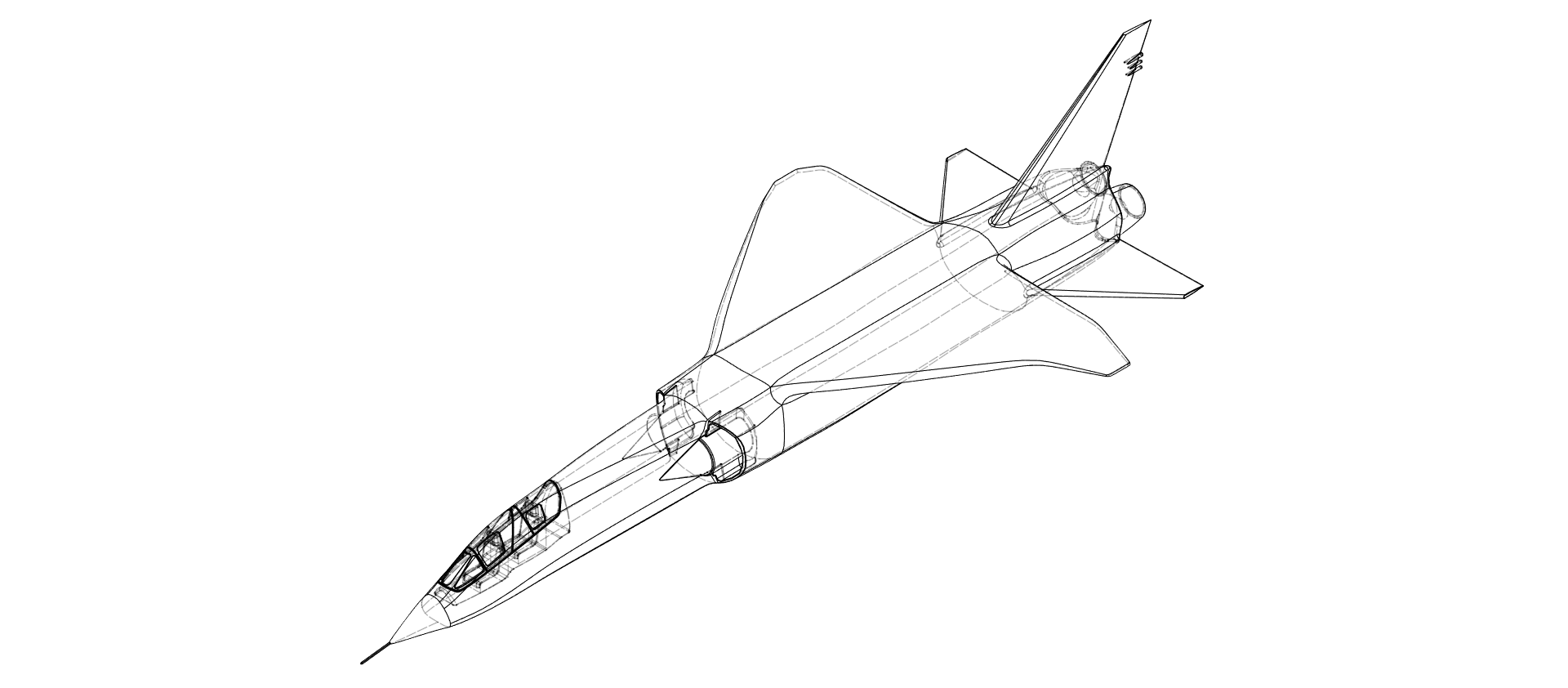
A top view of the plane, in wireframe, showcasing the cockpit, inlets, exhaust, and the low-detail areas of the wings and main hull.
At the beginning of my Grade 12 Tech Design semester, I began work on a new CAD plane almost immediately. As it had been nearly a year since I created the F16 from Grade 11 Tech Design, I was excited to start again. I chose a relatively simple plane, with a sleek design that would be difficult to master but easy to start with. I also used form modelling, which I hadn’t used for my plane designs before. Over about a week, I shaped the body, cut-outs, and details, until the model became what it is now. It was a relaxing start to the new Grade 12 class, but it still challenged me and polished my form-modelling skills. In designing the model to be 3D-printable, I ensured there weren’t any fine details like bolts, and that the plane didn’t have cavities. The only part that was complicated for 3D printing was the cockpit, which I created to be detachable, so it could be slotted into the plane separately after printing.
The main difficulties with creating this plane model were the form modelling and some nuances to the design, which I didn’t notice the difficulties of until I had begun modelling. Initially, as I worked from the nose backward, I noticed that there was some strange geometry with the cockpit and its blend into the rest of the hull- going from narrow to wide and flat on the top quickly, which Fusion360 didn’t make easy to replicate. Later on, I also realized that the wings extended from the top of the hull. This would have been fine, but for some reason, the freeform kept bending around the edges, making the wings extend strangely from the body. I had to add extra look cuts to correct this, and tweaked points around the bases of the wings until it matched the plane completely.
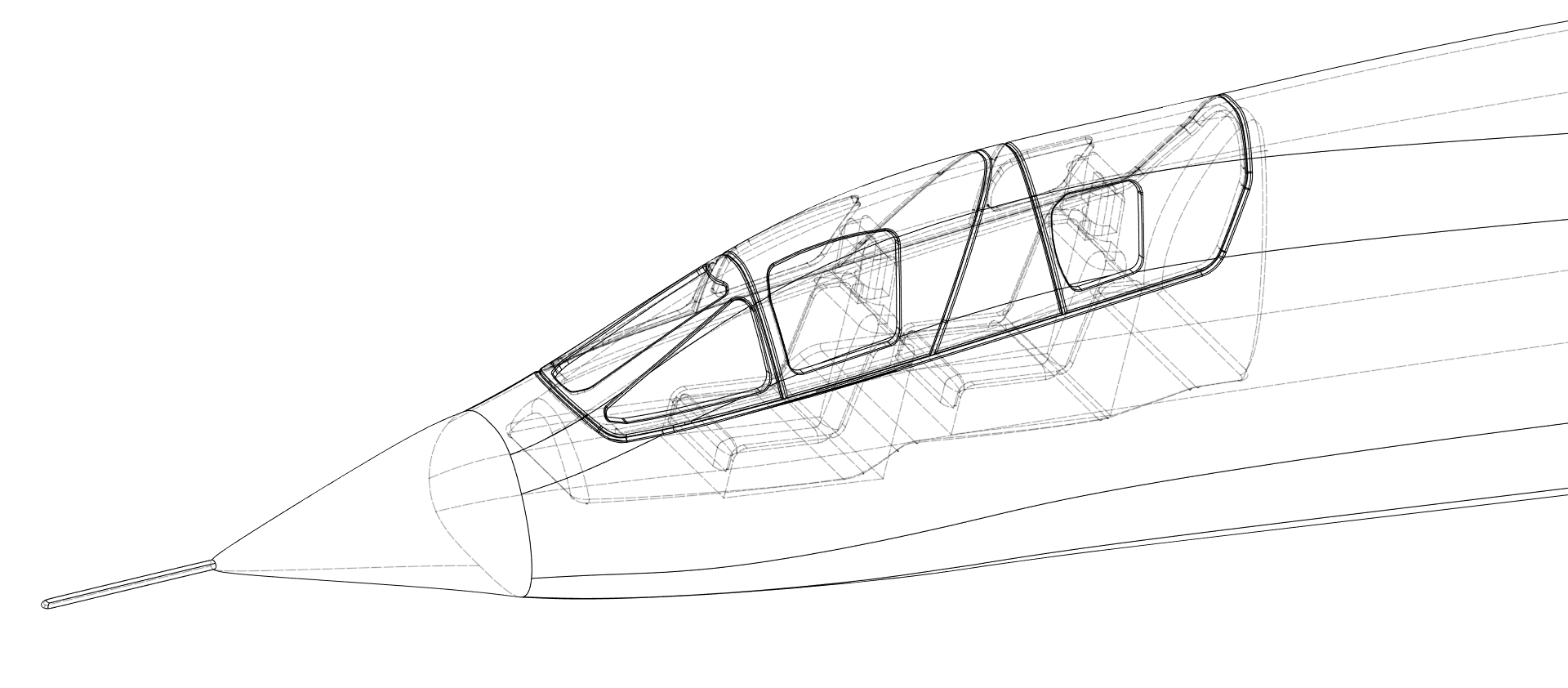
A close-up of the cockpit of the BAC TSR.2, showcasing the cockpit seats, canopy, and surrounding area.
